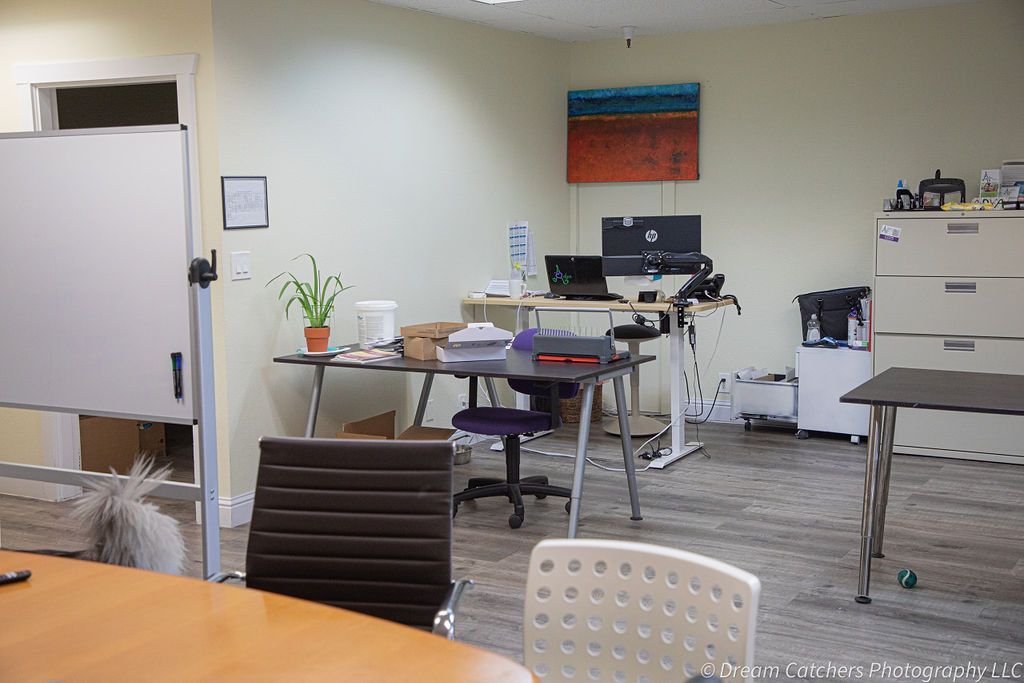
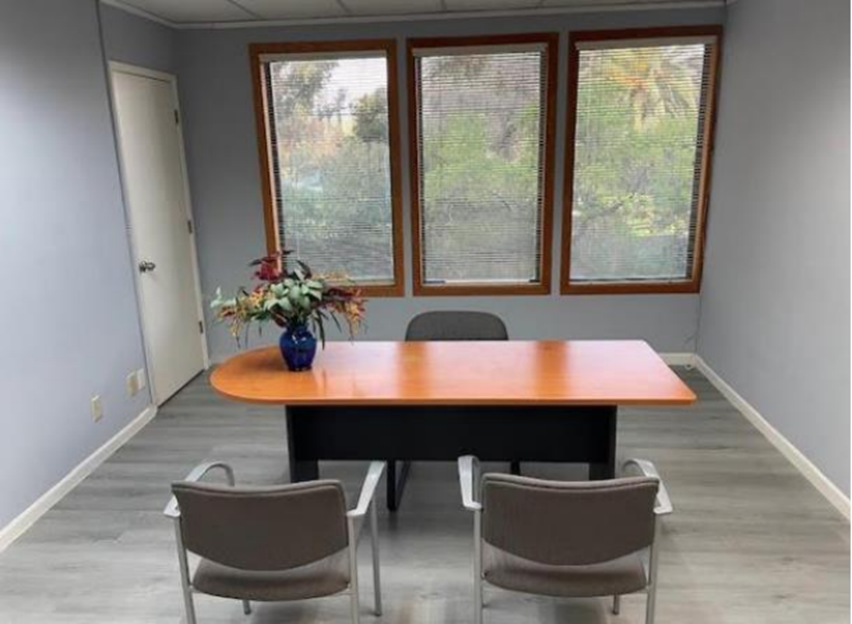
Need a professional space for your next meeting? Then
rent a meeting room. The right room elevates your brand. It also keeps your team focused. Moreover, it helps you control costs. Consequently, you can scale up or down without stress. Above all, you gain flexibility.
However, not all meeting spaces are equal. Some shine with flawless tech. Others impress with style and location. Therefore, you should choose carefully. Additionally, you should plan the booking process. Likewise, you should prepare for the day of the event. In the end, a little strategy goes a long way.
Why Rent a Meeting Room Instead of Using Your Office?
First, rented spaces reduce distractions. In many offices, background noise can significantly disrupt momentum. By contrast, a dedicated room protects attention. As a result, your meeting finishes on time.
Second, rented rooms look polished. Clients notice details. Furthermore, a premium space signals credibility. Consequently, you build trust faster.
Third, you only pay for what you use. Traditional leases lock you in. Instead, short bookings fit your schedule and budget. Additionally, you can book by the hour or day. Therefore, you control spending every time.
Finally, you get reliable support. Most venues offer on-site help. Moreover, staff can handle setup and troubleshooting. Thus, your team can focus on content, not cables.
Types of Meeting Rooms You Can Rent
Boardrooms
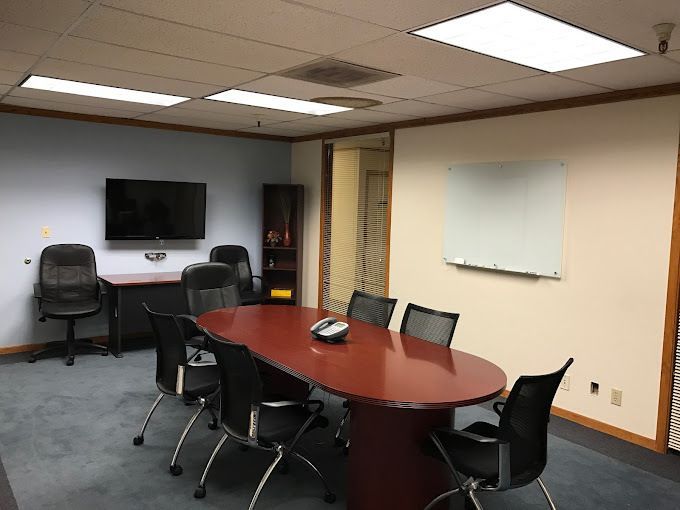
Boardrooms suit executive sessions. Typically, they include a large table and ergonomic chairs. Moreover, they offer privacy and strong acoustics. Consequently, they work well for strategy and legal reviews.
Training Rooms
Training rooms prioritize seating capacity. They often include flexible layouts and screens. Additionally, they support breakout activities. Therefore, they are perfect for workshops and onboarding.
Interview Rooms
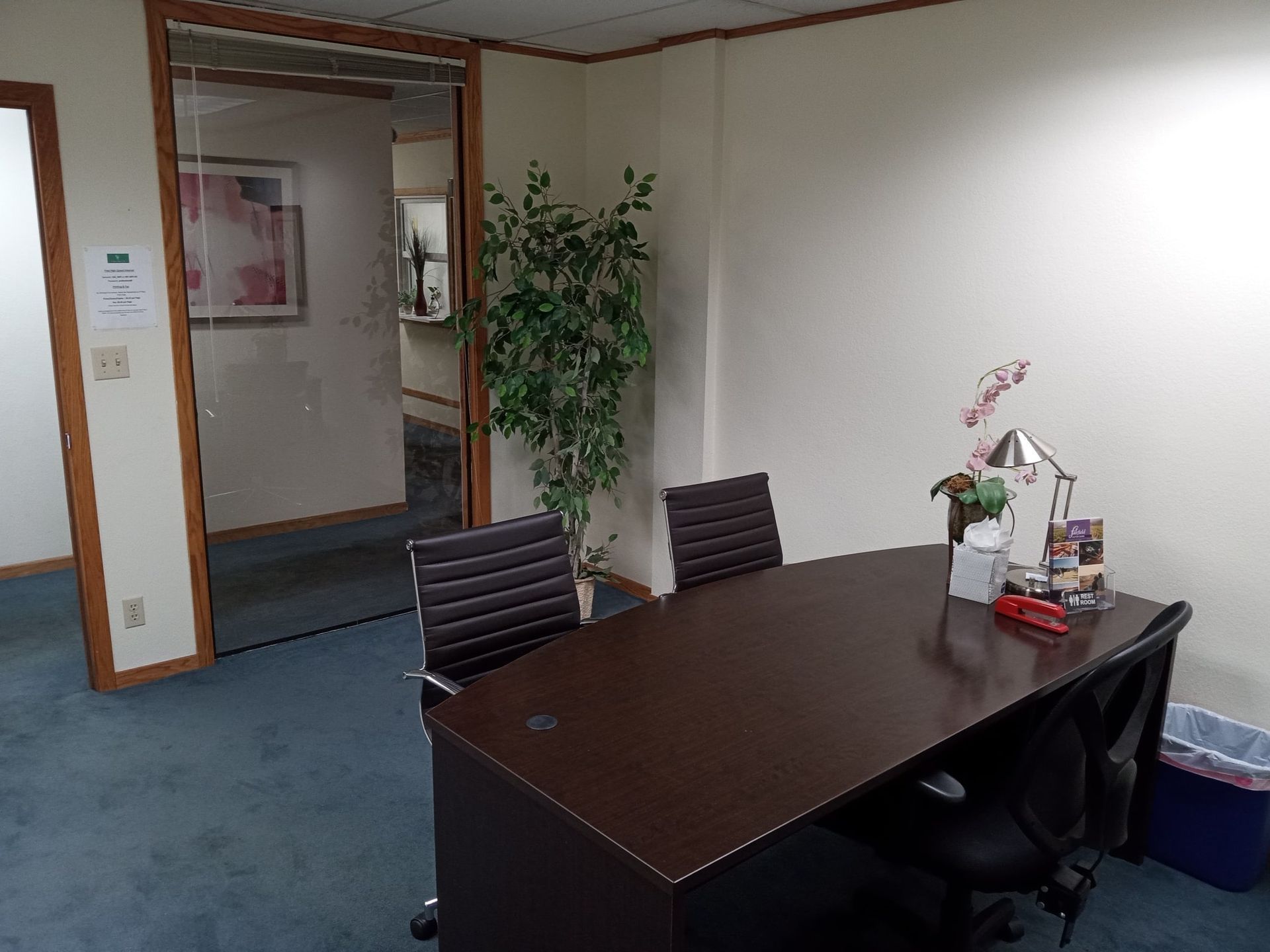
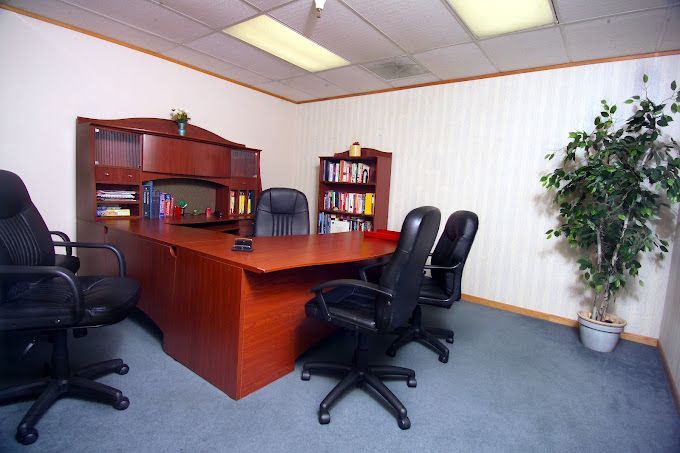
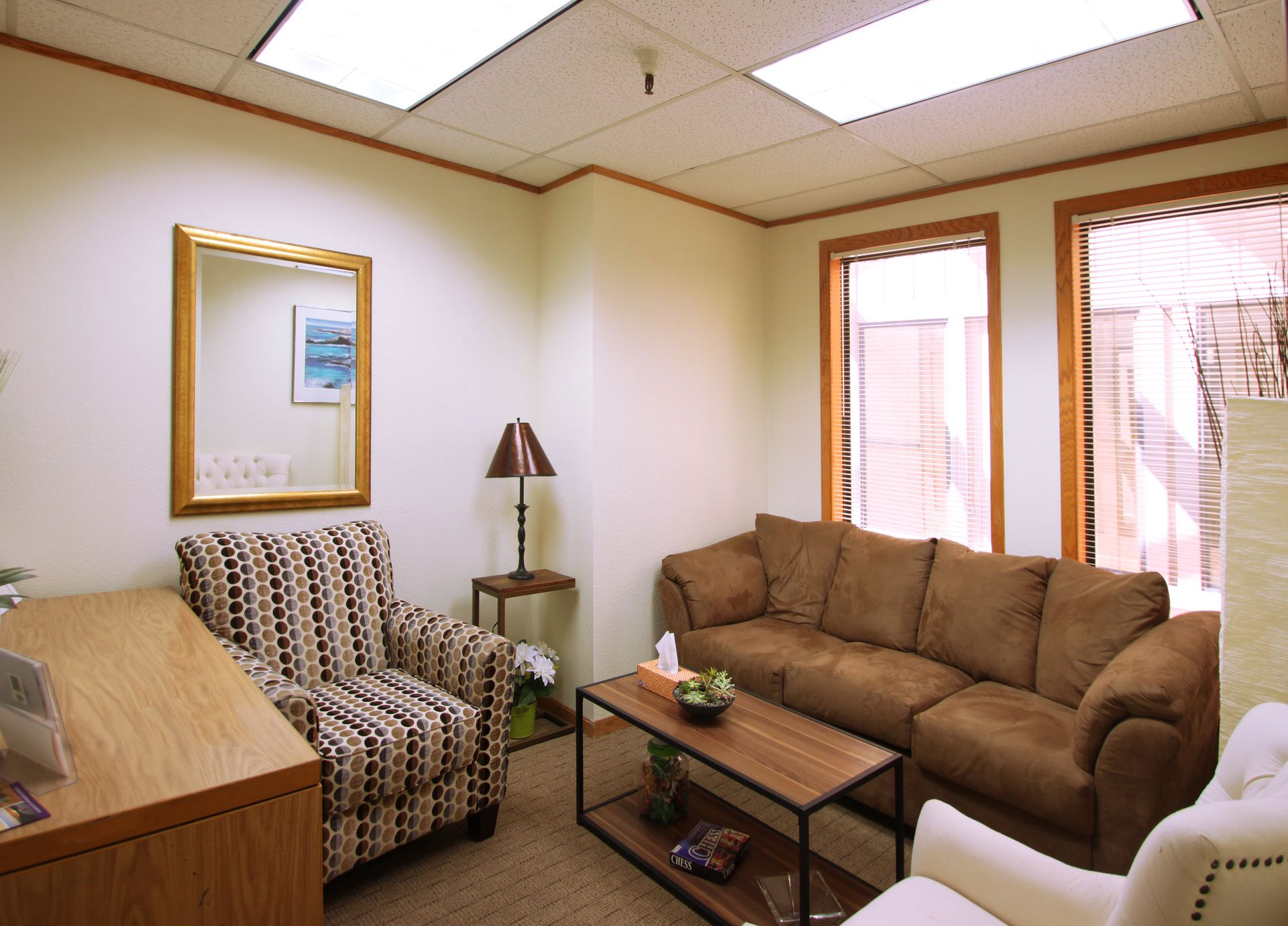
Interview rooms are compact and quiet. Furthermore, they feel neutral and professional. As a result, candidates relax and perform better.
Hybrid Meeting Spaces
Hybrid rooms connect in-person and remote teams. They feature cameras, mics, and sound processing. Moreover, they deliver stable connectivity. Consequently, the conversation flows without hiccups.
Key Features to Look For
Location and Access
Choose a central area with transit options. Additionally, verify parking and bike storage. Likewise, confirm ADA accessibility. Therefore, all attendees can arrive smoothly.
Capacity and Layout
Match the room to your headcount. Moreover, check seating styles: boardroom, classroom, or theater. Consequently, the layout will support your agenda.
Technology
Confirm displays, cameras, and microphones. Additionally, ask about HDMI, USB-C, and AirPlay. Likewise, test Wi-Fi speed in advance. Therefore, your slides and demos will run flawlessly.
Acoustics and Lighting
Poor sound ruins great content. Furthermore, glare can wash out screens. Consequently, seek rooms with acoustic panels and adjustable lighting.
Furniture and Comfort
Ergonomic chairs keep energy high. Additionally, whiteboards and writable walls spark ideas. Thus, collaboration stays fluid.
On-Site Support
Ask about a dedicated coordinator. Moreover, confirm rapid tech help. Therefore, issues get solved without delay.
Catering and Amenities
Coffee fuels focus. Likewise, water and snacks prevent dips. Additionally, some venues offer lunch packages. Consequently, your agenda stays on track.
Security and Privacy
Sensitive topics need discretion. Therefore, verify access control and sound isolation. Moreover, ask about NDAs if required.
Sustainability
Eco-friendly venues matter to many teams. Additionally, look for LED lighting and recycling. Consequently, your event supports company values.
How to Choose the Right Space in 7 Steps
- Define the objective - Start with a clear outcome. Additionally, list must-have deliverables. Therefore, you can judge success after the meeting.
- Set the headcount and format - Include speakers, guests, and remote participants. Moreover, confirm breakouts or recordings. Consequently, the room type becomes obvious.
- Map the agenda to the layout - Workshops need space to move. By contrast, briefings need a formal table. Therefore, select a layout that matches activities.
- Audit technical needs - List devices, adapters, and software. Additionally, ask for a tech rehearsal. Thus, there are no surprises on the day.
- Shortlist three venues - Compare location, price, and reviews. Moreover, weigh staff responsiveness. Consequently, you will choose with confidence.
- Request a detailed quote - Ask for line-item pricing. Additionally, confirm taxes, fees, and deposits. Therefore, you avoid budget shocks.
- Book with a clear timeline - Set deadlines for AV tests and catering counts. Moreover, share arrival instructions. Consequently, everyone shows up prepared.
Estimating Your Budget: What Affects the Price?
Rates vary by city and season. However, a few drivers are consistent. Location, capacity, and tech move the needle most. Additionally, premium buildings cost more. Consequently, ground-floor convenience often carries a surcharge.
Hourly vs. Day Rates
Hourly rates suit short sprints. Meanwhile, day rates fit training and off-sites. Moreover, day pricing can include discounts. Therefore, compare both options before you commit.
Technology Add-Ons
Extra screens, mics, or capture cards add cost. Additionally, dedicated technicians may bill hourly. Consequently, complex hybrid setups raise the total.
Catering and Service Fees
Some venues charge per person. Moreover, they may include service or gratuity. Therefore, read the fine print.
Deposits and Cancellation
Deposits secure your slot. Additionally, cancellation windows can be strict. Consequently, you should align the policy with your internal approvals.
Hidden Costs to Watch
After-hours access, weekend staffing, or rush setup may add fees. Likewise, printing and storage sometimes cost extra. Therefore, ask for a "no surprises" quote.
Practical Considerations
People often want clear guidance on timing, inclusions, hybrid readiness, and food policies. For smaller meetings, you should book one to two weeks ahead. For larger events, you should reserve four to six weeks ahead. Moreover, you should extend the window during peak seasons. Consequently, you secure the ideal slot and avoid last-minute compromises. At a minimum, your rental should include reliable Wi-Fi, a bright display, and comfortable seating. Additionally, a whiteboard, HDMI or USB-C adapters, and coffee service keep the session efficient. Therefore, insist on these basics to protect productivity.
Hybrid and Virtual Considerations
Hybrid meetings demand robust infrastructure. Therefore, prioritize audio quality. Moreover, choose beamforming mics or table mics. Consequently, remote attendees will hear clearly. Additionally, verify camera framing. Wide shots help include the room. Meanwhile, a secondary camera can focus on the speaker. Thus, the recording looks professional.
Furthermore, check bandwidth and redundancy. Ask for wired internet if possible. Likewise, have a mobile hotspot as backup. Therefore, your call stays live even if Wi-Fi wobbles. Finally, align platforms and permissions. Some attendees may use Teams. Others may prefer Zoom or Meet. Consequently, test the chosen tool with a guest account.
Day-Of Checklist
- Arrive 30–45 minutes early. Additionally, greet the venue host.
- Test displays, audio, and screen share. Moreover, check camera angles.
- Load slide decks locally as backup. Likewise, keep adapters handy.
- Place name cards and handouts. Consequently, seating becomes clear.
- Set up catering in a side area. Therefore, movement stays minimal.
- Share Wi-Fi details on the first slide. Additionally, put them on the whiteboard.
- Review the run of show with your facilitator. Furthermore, confirm timekeepers.
- Collect feedback forms or open a QR survey. As a result, you can improve next time.
Common Mistakes to Avoid
Booking Too Late
Popular slots disappear fast. Therefore, reserve early, especially for mornings. Moreover, hold a backup date.
Ignoring Acoustics
Beautiful rooms can echo. Consequently, voices get muddy. Additionally, recordings suffer. Thus, always do a clap test.
Underestimating Setup Time
Cables and permissions take time. Furthermore, guests may arrive early. Therefore, plan a buffer.
Skipping a Tech Rehearsal
Assumptions cause delays. Instead, run through the agenda once. Consequently, your team feels ready.
Forgetting Wayfinding
Large buildings confuse visitors. Therefore, send maps and photos. Additionally, post signage at the entrance.
Final Thoughts on Rent a Meeting Room
To impress clients and energize teams, rent a meeting room. The model is
flexible office space, modern, and cost-effective. Moreover, it helps you deliver focused sessions without distractions. Additionally, premium tech makes hybrid collaboration smooth. Consequently, your outcomes improve.
However, success depends on planning. Define the goal. Audit tech. Compare venues. Therefore, use the checklists and guidance above. Likewise, book early and rehearse once. As a result, your meeting will feel seamless, professional, and on time.
Ready to move? Then, shortlist three spaces today. Furthermore, request detailed quotes with line items. Finally, confirm a quick tech test before the event. Consequently, you will walk in confident and walk out with results.